DO I NEED A RESERVATION TO ATTEND AN EVENT?
For sessions, screenings, and showcases, capacity is a mix of Reservation and badge walk-up. All our events are available to Badgeholders with and without Reservations. If you are not able to secure a Reservation for a certain event, check the event status on the SXSW Schedule or the SXSW GO App to plan accordingly.
To see which events still have open reservation capacity, go to the Reservations Available section of the online schedule. Note: This feature is not available on the SXSW GO App at this time.
HOW DO I USE MY DAILY RESERVATIONS AND HOW MANY DO I GET?
Reservations are digital and available starting at the time of your badge’s reservation window through the SXSW Schedule or in SXSW GO. Before you can make Reservations, you must log in and link your badge in SXSW GO or SXSW ID, using the SXSW Link Code found in your registration confirmation email. If an event has available Reservations, click the “Reserve” button. The Reservation has been accepted if the button says “Reserved” and you’ll receive a confirmation email as well. Not all events have Reservations, these events will be badge walk-up only.
I HAVE A RESERVATION, WHEN SHOULD I ARRIVE AND WHICH LINE SHOULD I GET IN?
It is recommended to arrive 40 minutes before the event start time. Be sure to join the reservations line.
I HAVE A RESERVATION, WHAT DO I SHOW ONCE I’M AT THE EVENT?
You will be sent an email for each successful Reservation request, including when to arrive at the event. To see all your Reservations, go to the My Reservations tab after signing into the SXSW Schedule or SXSW GO App.
When you arrive at the event, your SXSW Badge is required for entry. Your badge is scanned and confirms with the door staff you have a reservation.
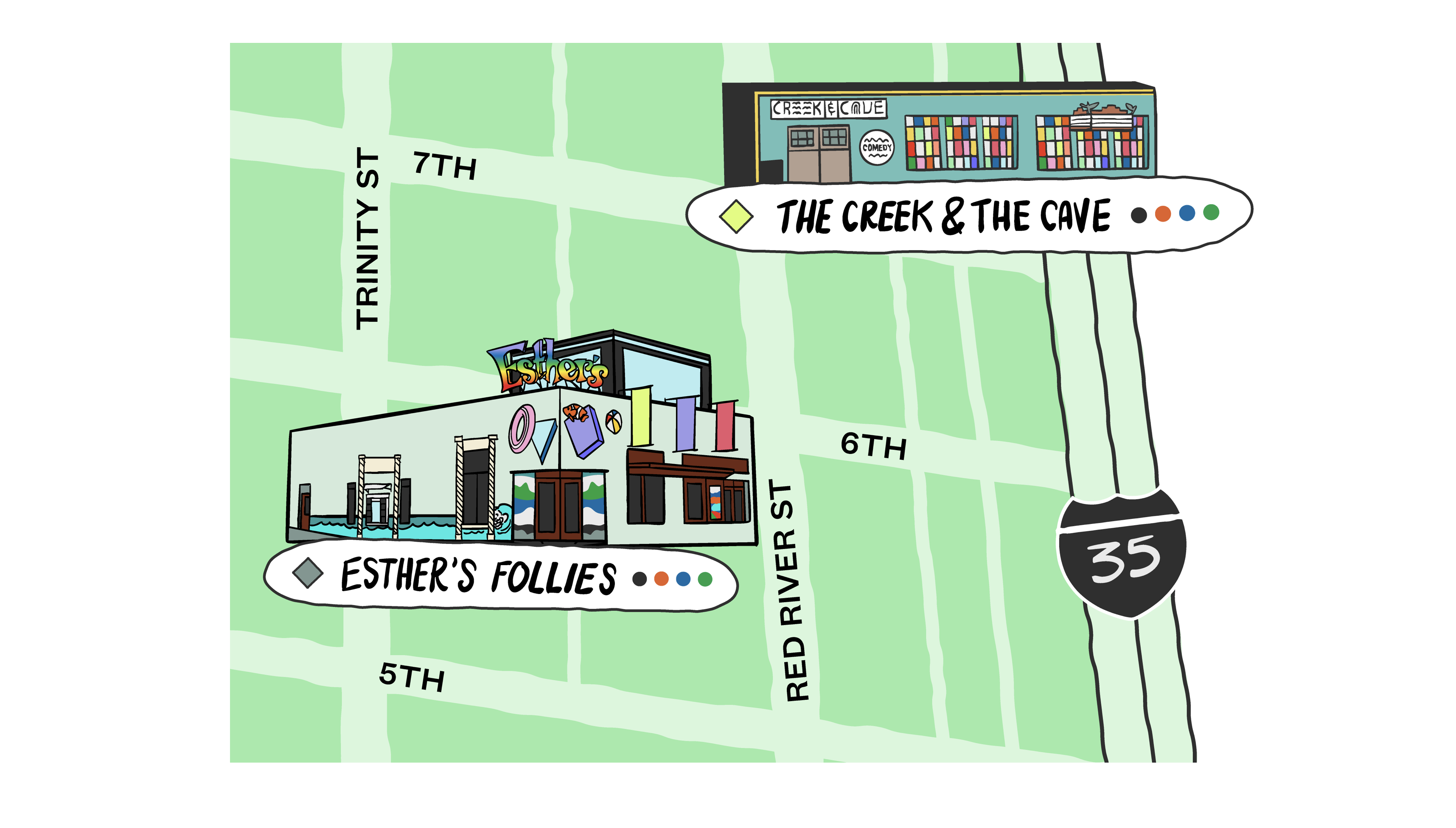
For Comedy Showcases, go to the designated Reservations area at the entrance to the venue. You must arrive no later than 30 minutes before the listed start time for the screening. After this, a Reservation cannot be honored.
THE EVENT I WANT TO RESERVE DOESN’T HAVE A “RESERVE NOW” BUTTON
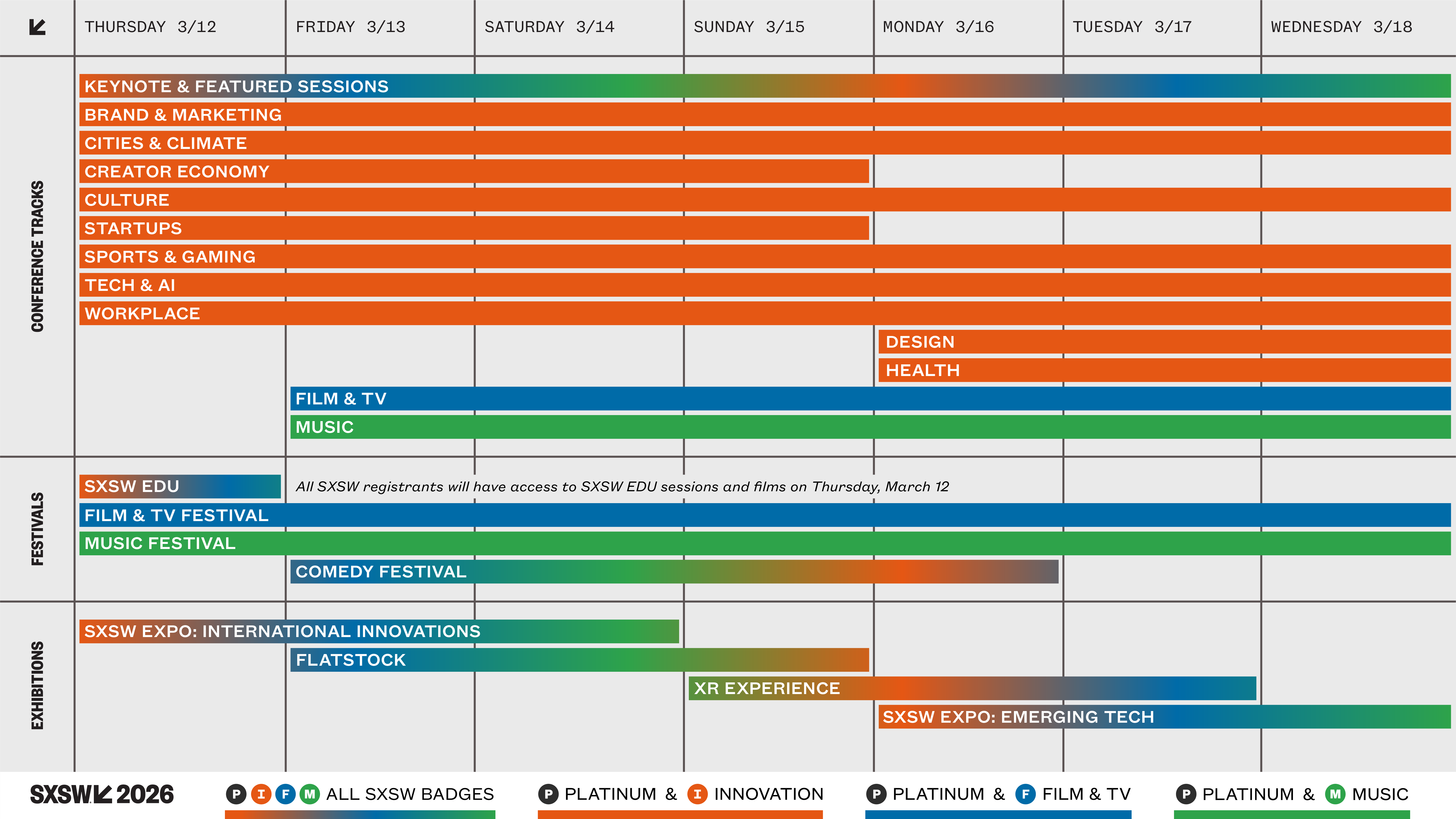
You are only able to request a reservation to an event that your badge has access to. When you login to SXSW Schedule or SXSW GO, you will see available events specific to your badge type indicated with Badge Icons. Events that have reservations will have a “Reserve” button. If reservations are all taken for that event, you will see a message letting you know.
The request period will end when the limited number of reservations are claimed or Noon on the day of the event, whichever comes first.
Note: If you receive an error message when requesting a Reservation, then your request was not successfully processed. A successful Reservation request will result in a confirmation email notification. You cannot claim reservations exceeding your daily limit, conflicting with another reserved event, or more than once for the same event.
CAN I RETURN, EXCHANGE OR TRANSFER A RESERVATION?
If your plans have changed and you no longer need your Reservation, we’ve got you covered! You can return the Reservation to make it available for another attendee. You cannot directly transfer to another attendee, but the Reservation becomes available for all SXSW attendees. Returning an unused Reservation also allows you the opportunity to claim a Reservation for another event.
Simply visit My Reservations on the Schedule or in the GO app to return your pass. Click the “Return Reservation” button to return.
For Comedy Showcases, returns can happen before Noon the day of the event.
SXSW Reservations may be returned if you decide to no longer attend the event. ALL RETURNS ARE FINAL.
Need Additional Help?
If you are having an issue claiming a reservation, you may email us at info@sxsw.com.